Insert Contect Here--with images.

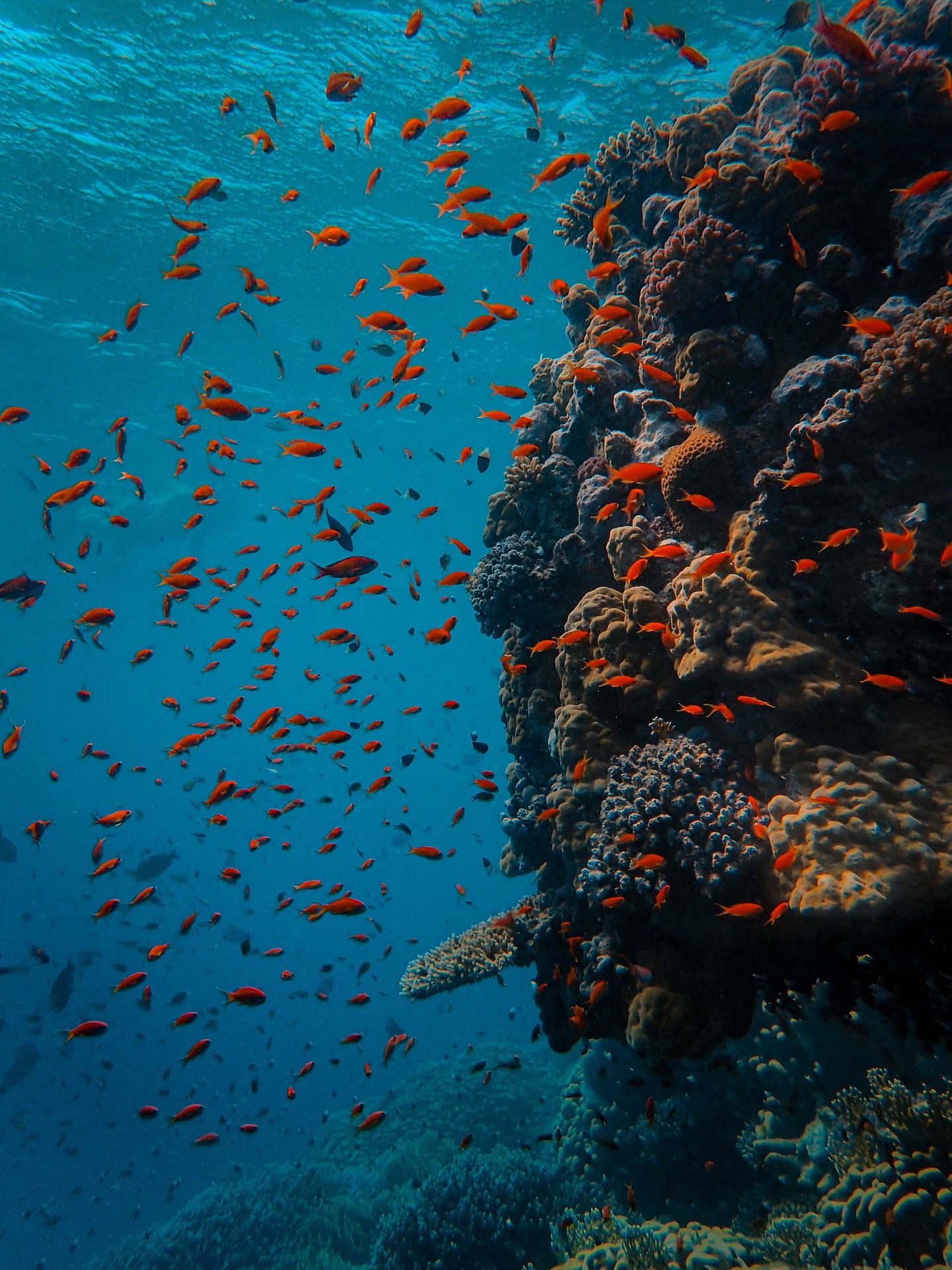
This is a picture saved to my drive.

Underwater

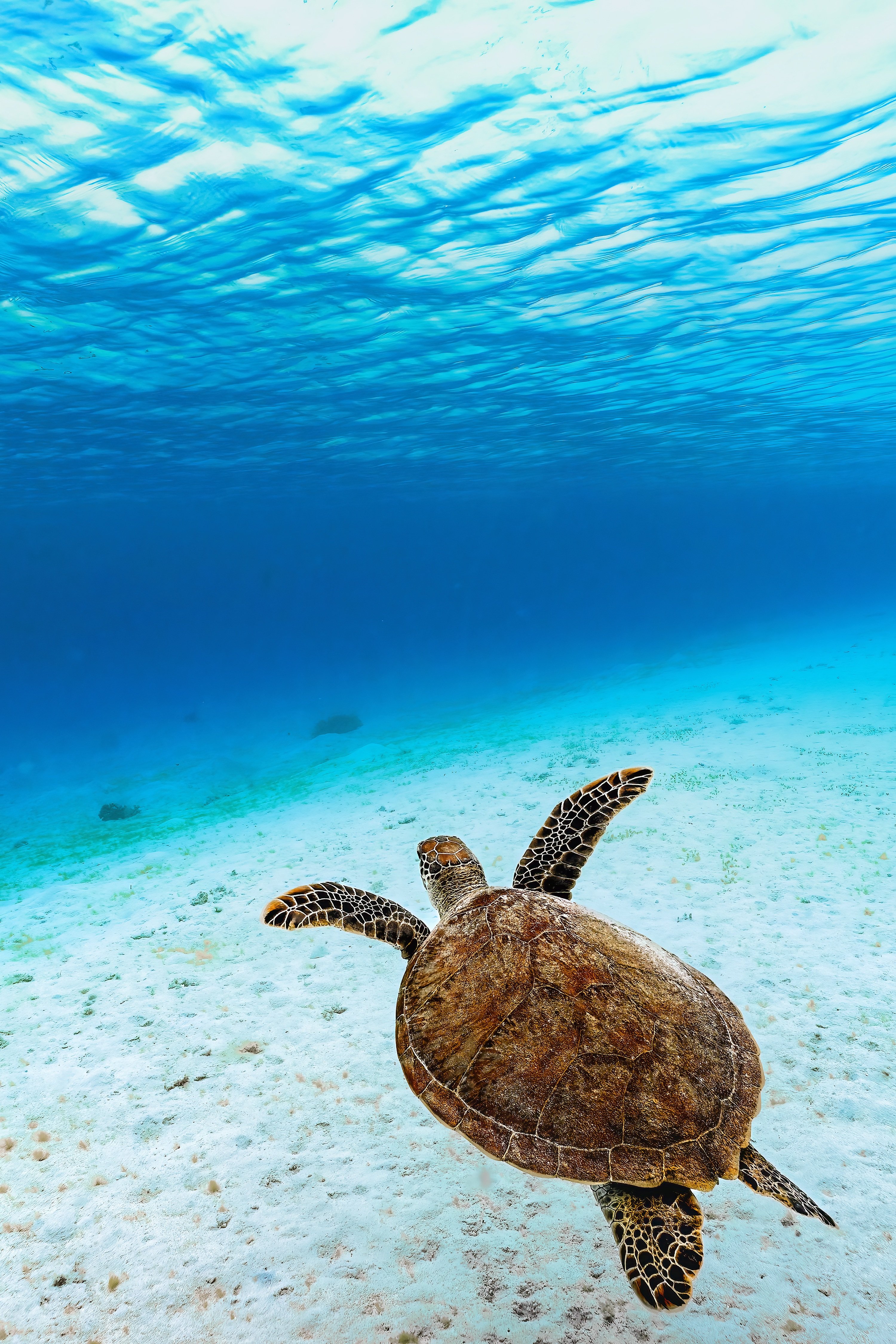
this is an image hosted online, centerd and occuping 70% of the screen width.

Green sea turtle image hosted online My Website

CSS Positioning Demo

4. Fixed Box
(Stays pinned when you scroll)
1. Static Box
This follows the normal layout flow of the document.
2. Relative Box
I am nudged 15px down and 30px right from my normal spot.
[Parent Container (Relative)]
3. Absolute Box
Pinned to the bottom-right of my container.

Scroll down the page to observe how the **Fixed Box** remains frozen in place while everything else moves.

My Favorite Web Design Skills (Unordered)

Steps to Launch a Website (Ordered)

  1. Register a custom domain name
  2. Set up web hosting and access cPanel
  3. Write HTML markup and CSS style structures
  4. Upload the website files to the public_html folder
Styled HTML Table Assignment

Course Assignment Tracker

Assignment Name Platform Due Date Status
CSS Stylesheets cPanel September 18 Completed
Divs & Selectors cPanel September 22 Completed
CSS Positioning Schoology September 24 Completed
Making Lists Schoology October 2 Completed
Tabels with HTML Schoology October 8 Completed